
Guide
Mineral collection software: a guide for collectors
Spreadsheets were never designed for minerals. A real mineral collection catalogue needs fields for Mohs hardness, locality, crystal habit, provenance and photos — all linked, searchable and shareable.
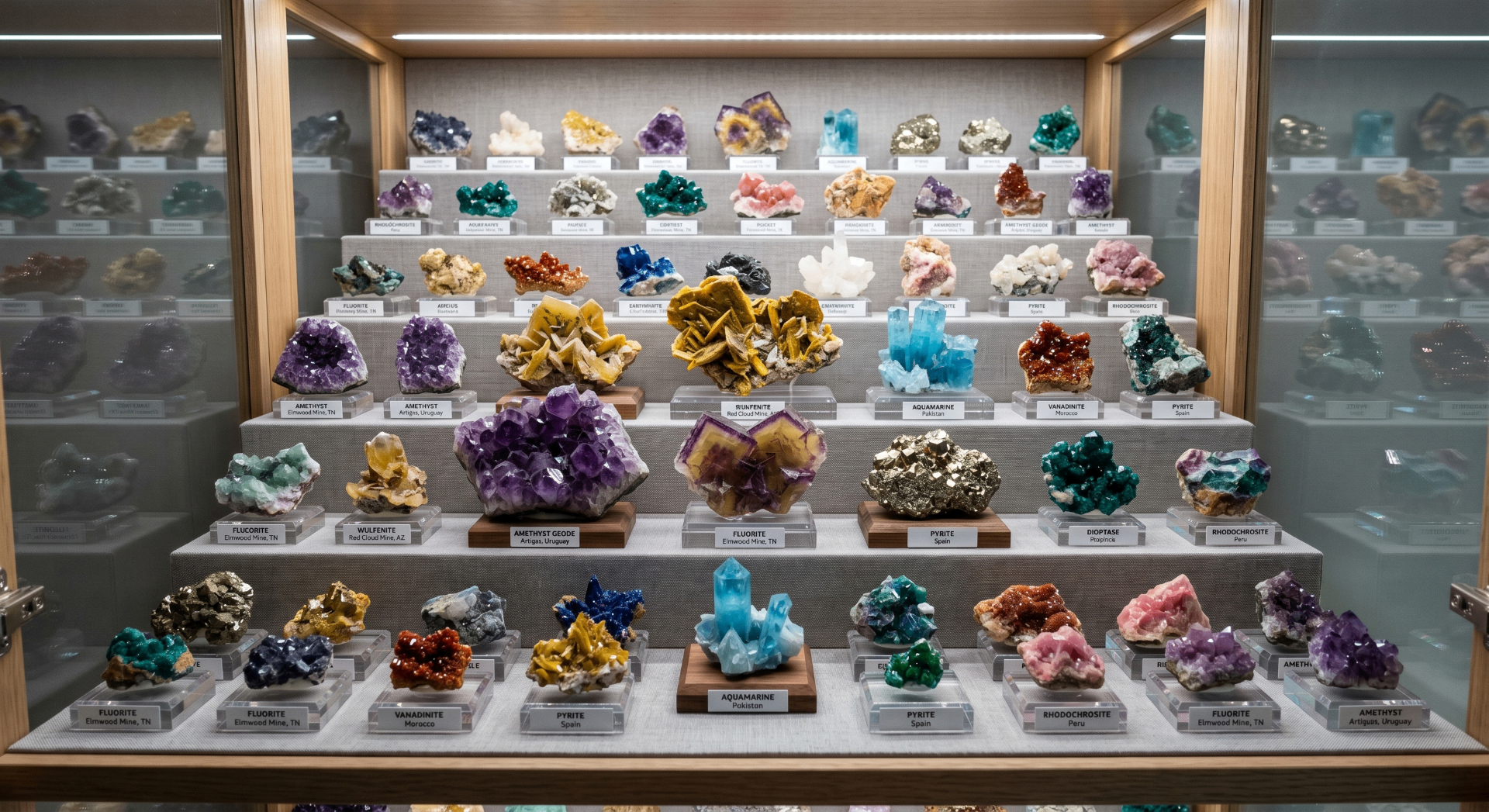
Built for mineralogy
The fields a mineral collector actually needs
Museumica treats minerals as first-class specimens. Every record can carry the scientific and curatorial data that matters to collectors.
Mohs hardness
Record hardness from 1 to 10 in a dedicated field. Museumica keeps it structured and sortable, so you can group specimens by scratch resistance or compare your suite of hardness-reference samples.
Locality & provenance
Store the mine, region, country, and even GPS coordinates. Provenance notes attach directly to the specimen, so a locality name never drifts away from the photo it describes.
Weight, dimensions & habit
Mass, dimensions, crystal system, habit, luster, colour streak and associated minerals all have their own place — not crammed into one spreadsheet cell.
Accession & valuation
Track acquisition date, purchase price, seller, insurance value and condition notes privately. Public pages hide financial data automatically.
AI-assisted descriptions
Turn a terse set of fields into polished, museum-quality prose. The AI uses your real metadata, so it never invents locality or hardness data.
Cabinets, drawers & display context
Link each mineral to its physical location — cabinet, shelf, tray or display case — so the digital catalogue reflects the real arrangement of your collection.
Spreadsheets vs. Museumica
Why generic spreadsheets fall short
- One flat row forces you to flatten complex mineral data into a single cell.
- Photos, provenance notes and locality maps live in separate folders.
- A typo in 'Mohs hardness' breaks sorting and makes reports unreliable.
- Sharing means exporting fragile files; online spreadsheets expose private valuations.
- There is no public museum view for visitors or fellow collectors.
What you get with Museumica
- Structured fields validated for mineral data.
- Unlimited images attached to each specimen record.
- Interactive map of collection localities.
- Museum-quality labels with locality, hardness and accession number.
- A public museum page you control — private notes stay hidden.
- CSV and PDF export whenever you want your data back.
Collection views
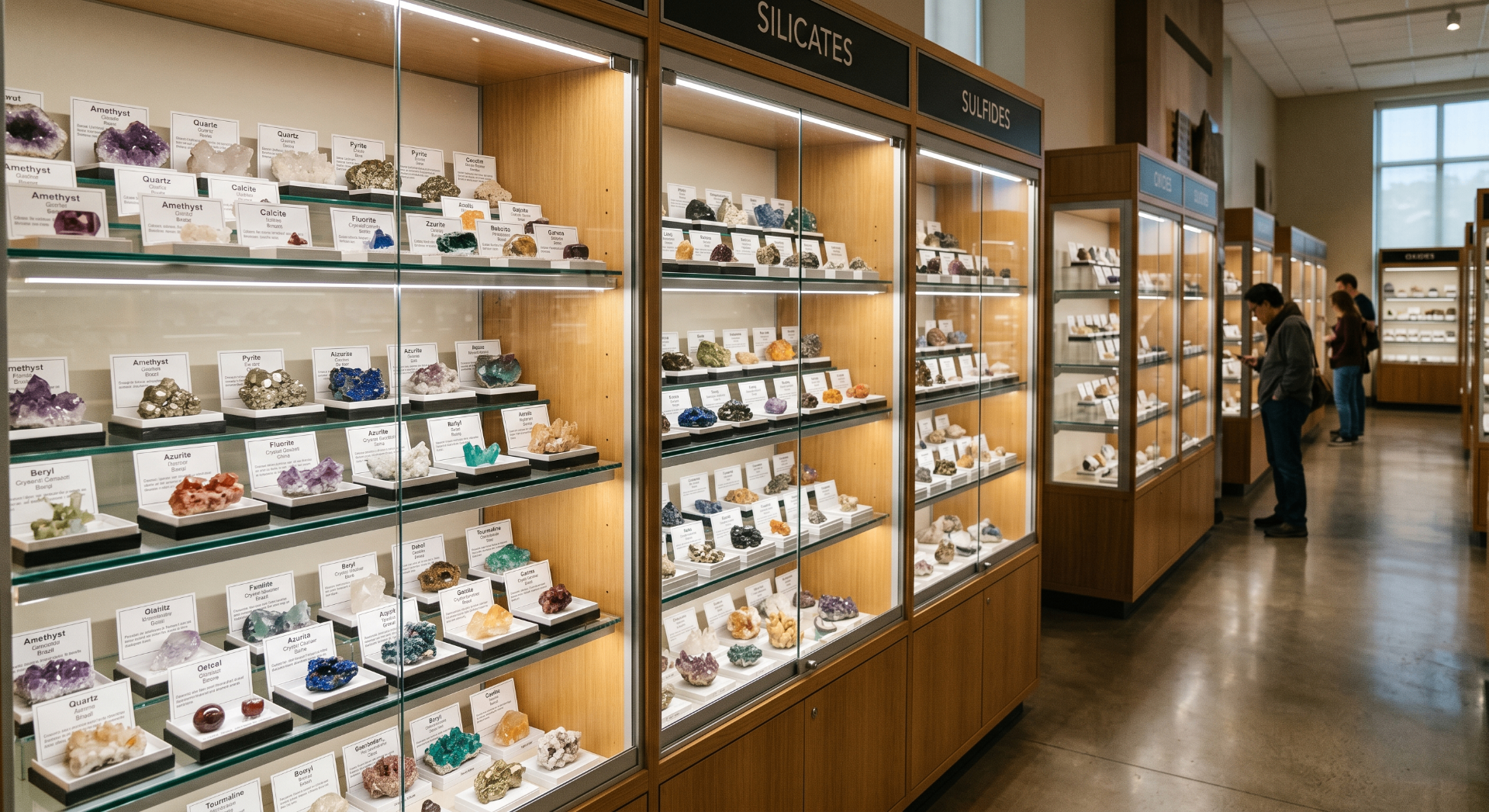
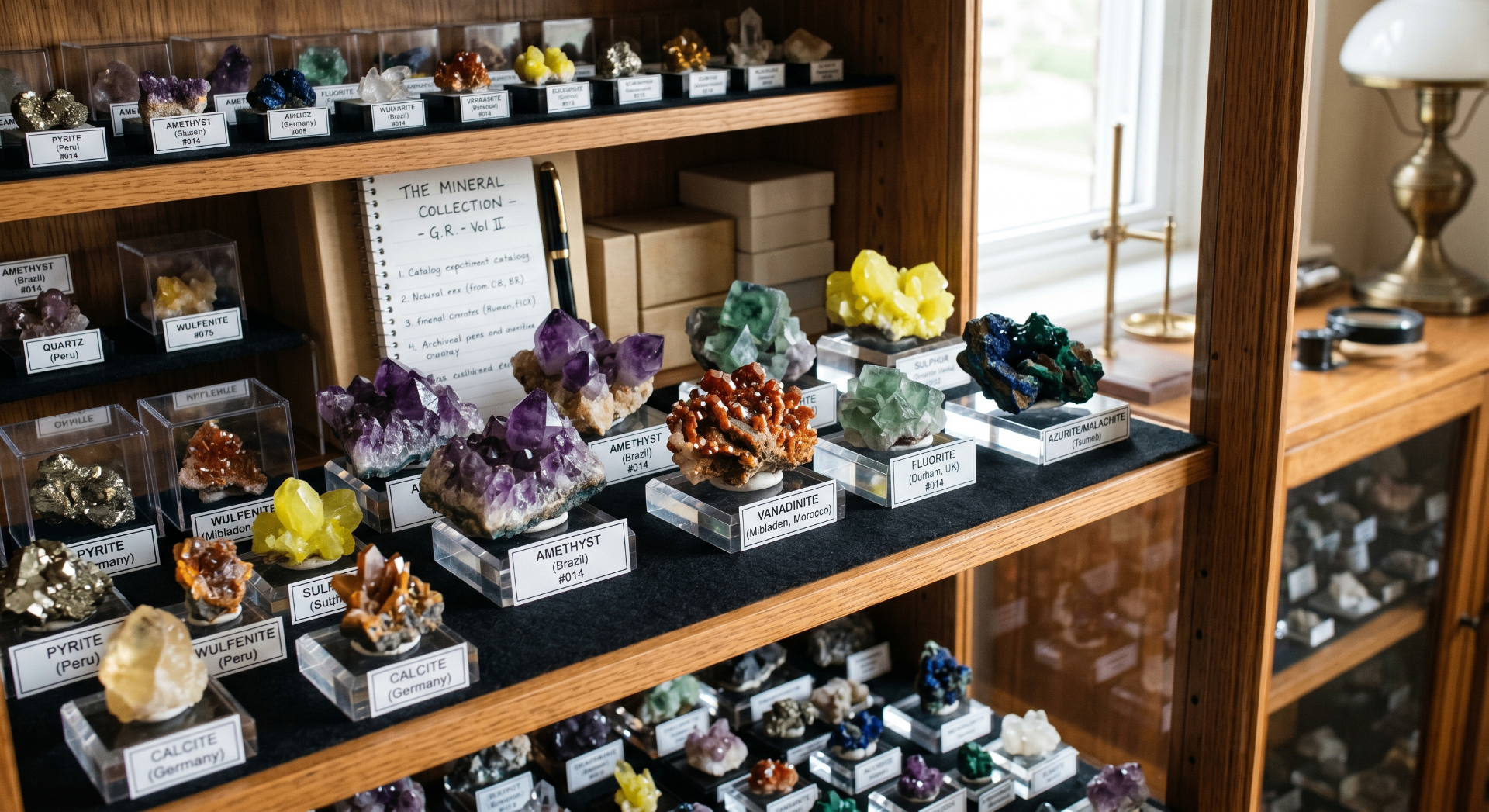
Document the cabinet, not just the specimen
Use wide display photos and detailed cabinet shots alongside each specimen record so your collection stays visually organised as well as scientifically complete.
Getting started
How to move your mineral collection into Museumica
- 01
Create a free workspace
Sign up and claim your personal URL at www.museumica.com/your-name.
- 02
Add your first mineral
Fill in name, locality, Mohs hardness, dimensions, photos and provenance. Or import a CSV if you already have a spreadsheet.
- 03
Organise and publish
Group specimens into collections, print labels, and optionally publish a public museum for visitors.
FAQ
Common questions
- Can I import my existing mineral spreadsheet?
- Yes. Museumica supports CSV import, and it maps common columns like species, locality, hardness and weight into the right fields.
- Is there a free plan?
- The Hobby plan is free for personal collections and includes all core mineral-cataloguing fields.
- Can I keep my collection private?
- Absolutely. All specimens are private by default. You choose which collections or exhibitions to publish.
- Does it work on mobile?
- Yes. The interface is responsive, so you can photograph a new acquisition and log it from your phone at a show or field site.
Ready to catalogue your minerals properly?
Join collectors who have moved from brittle spreadsheets to a real mineral collection manager.
Start free — no credit card required